

Nebla
Donators
- Thread Author
- #2

Hi there! Today, I would like to share with you my texture pack, which I have utilized in my previous maps. I will be updating this thread after every ten maps I create, as planned. I truly hope you enjoy using these textures!
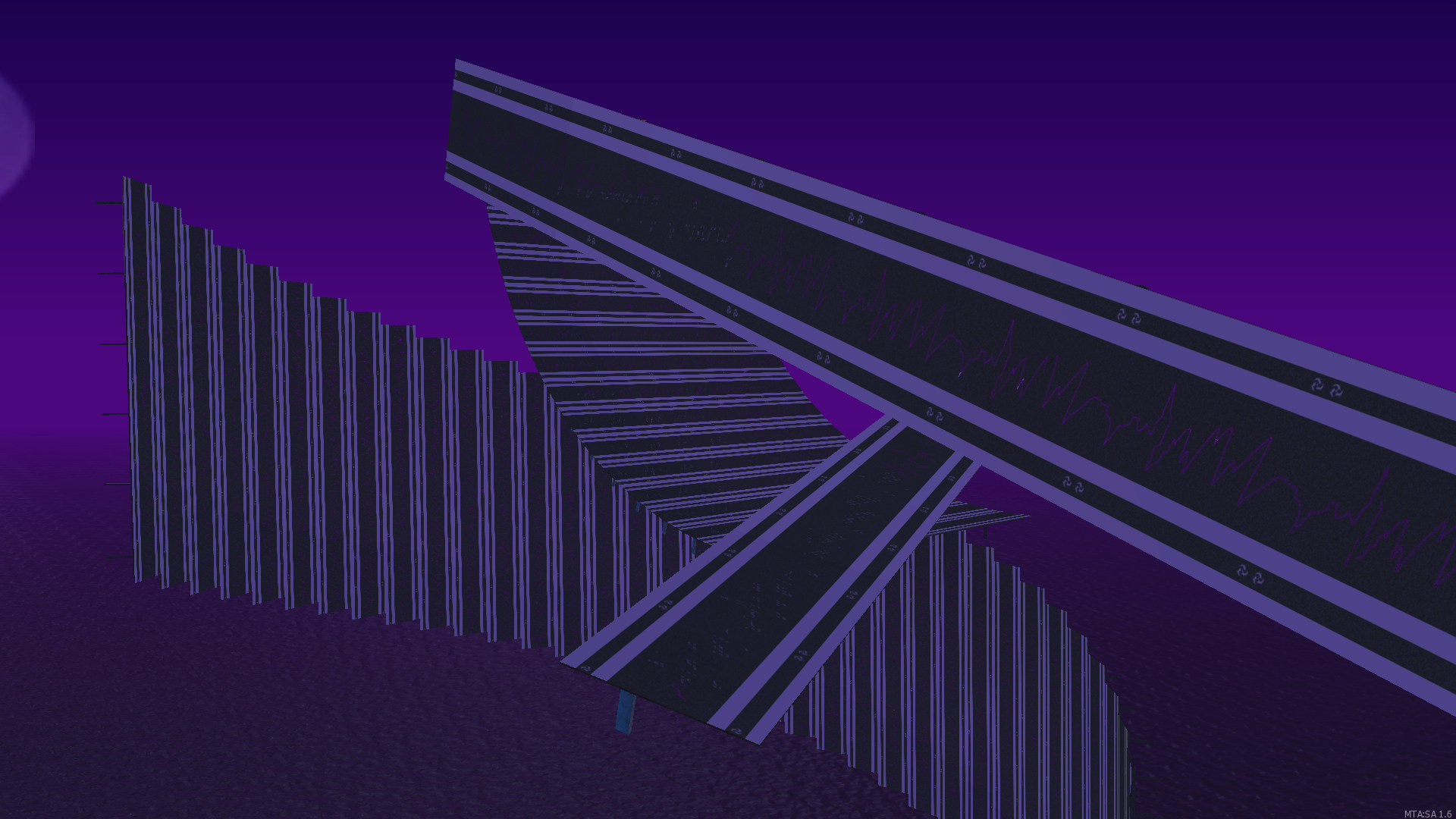
Eternal Lightning
(Nebla - Inazuma)
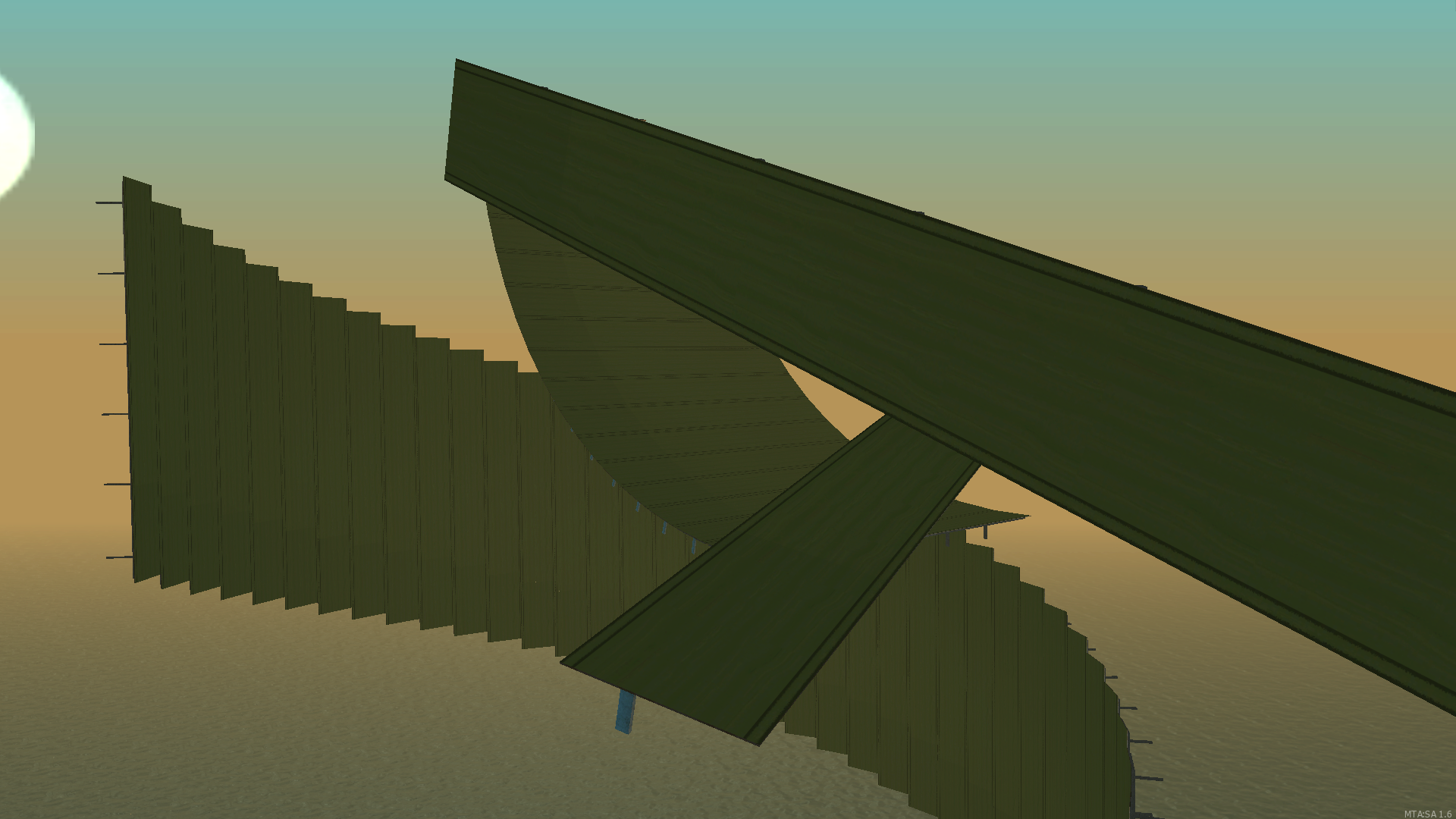
Sumeru's breath
(Nebla - Sumeru)
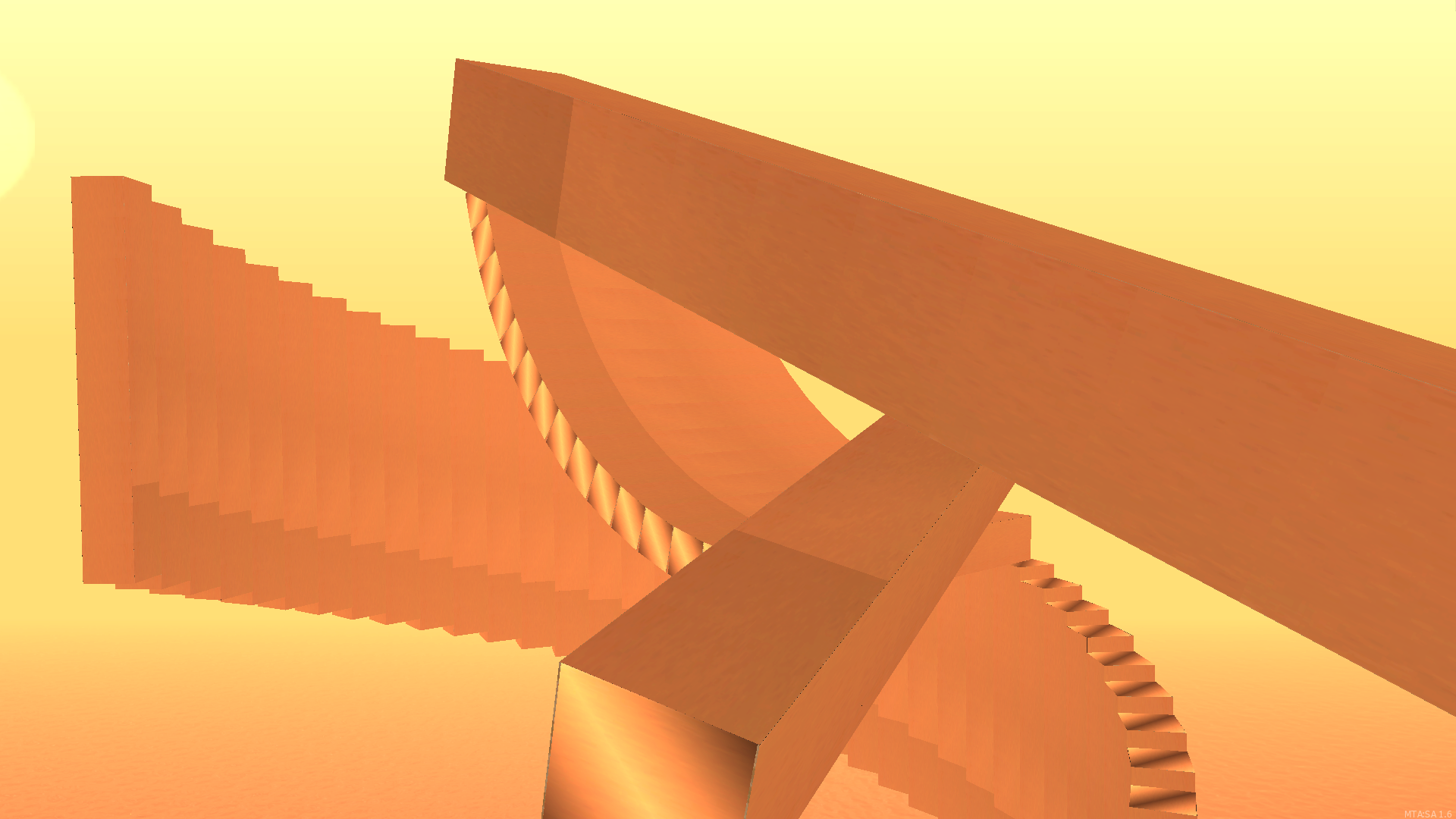
Memorial of Deshret
(Nebla - Mausoleum of King Deshret
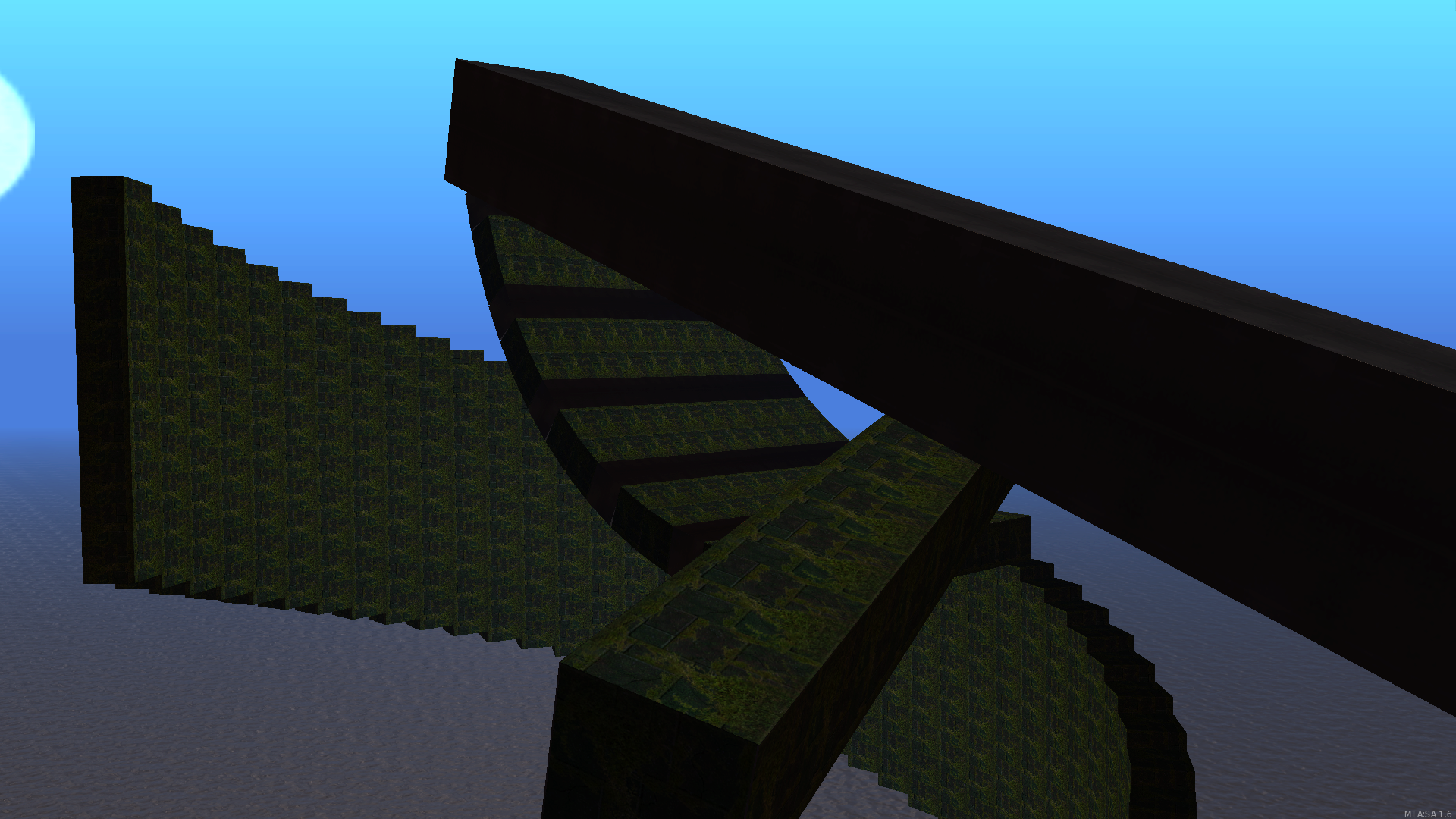
Trial of Fontaine
(Nebla - Fontaine)
Mars Mission
(Nebla - Mars Effect)
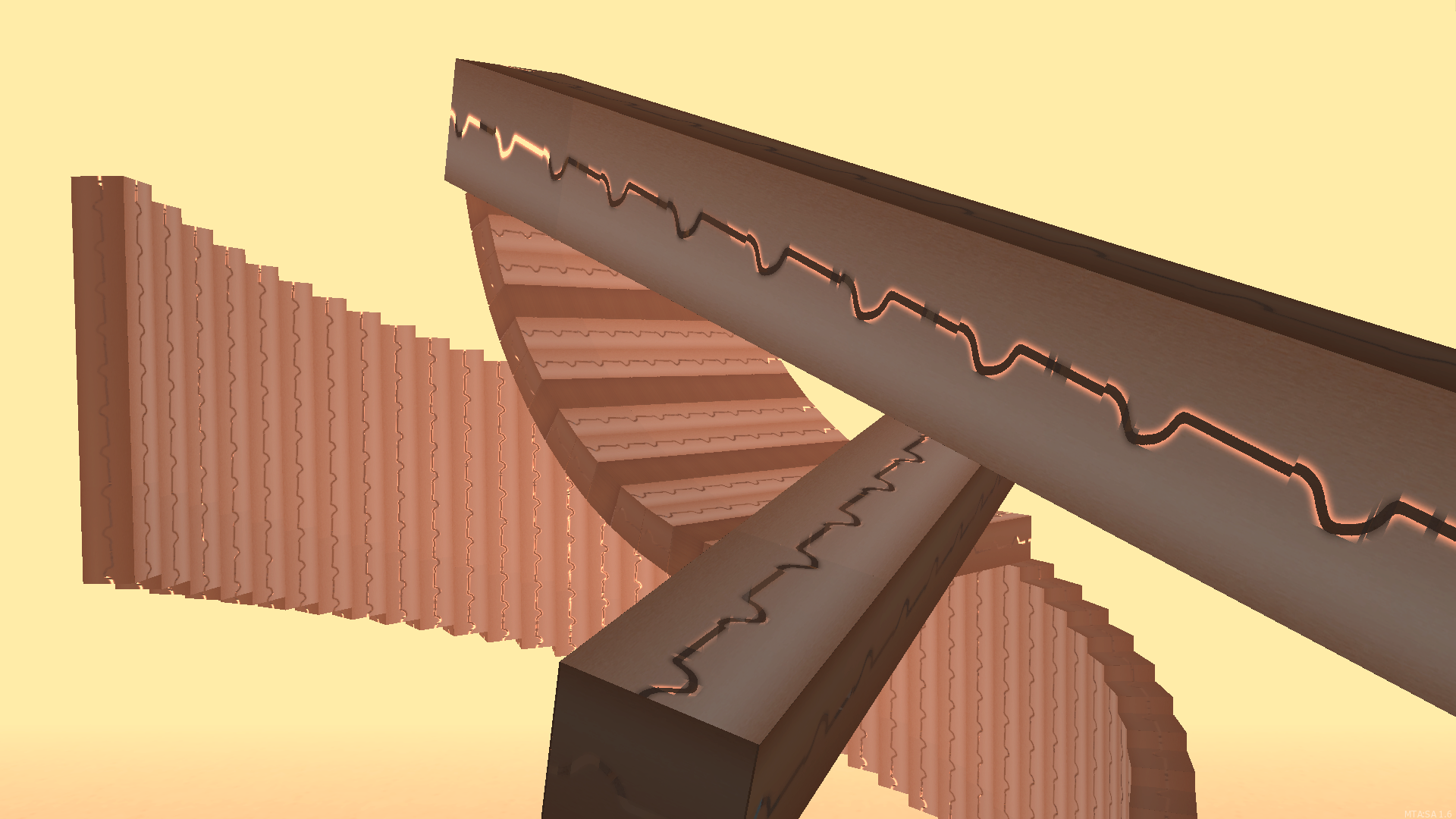
Reaper Chase
(Nebla v.7 - Mass Effect)
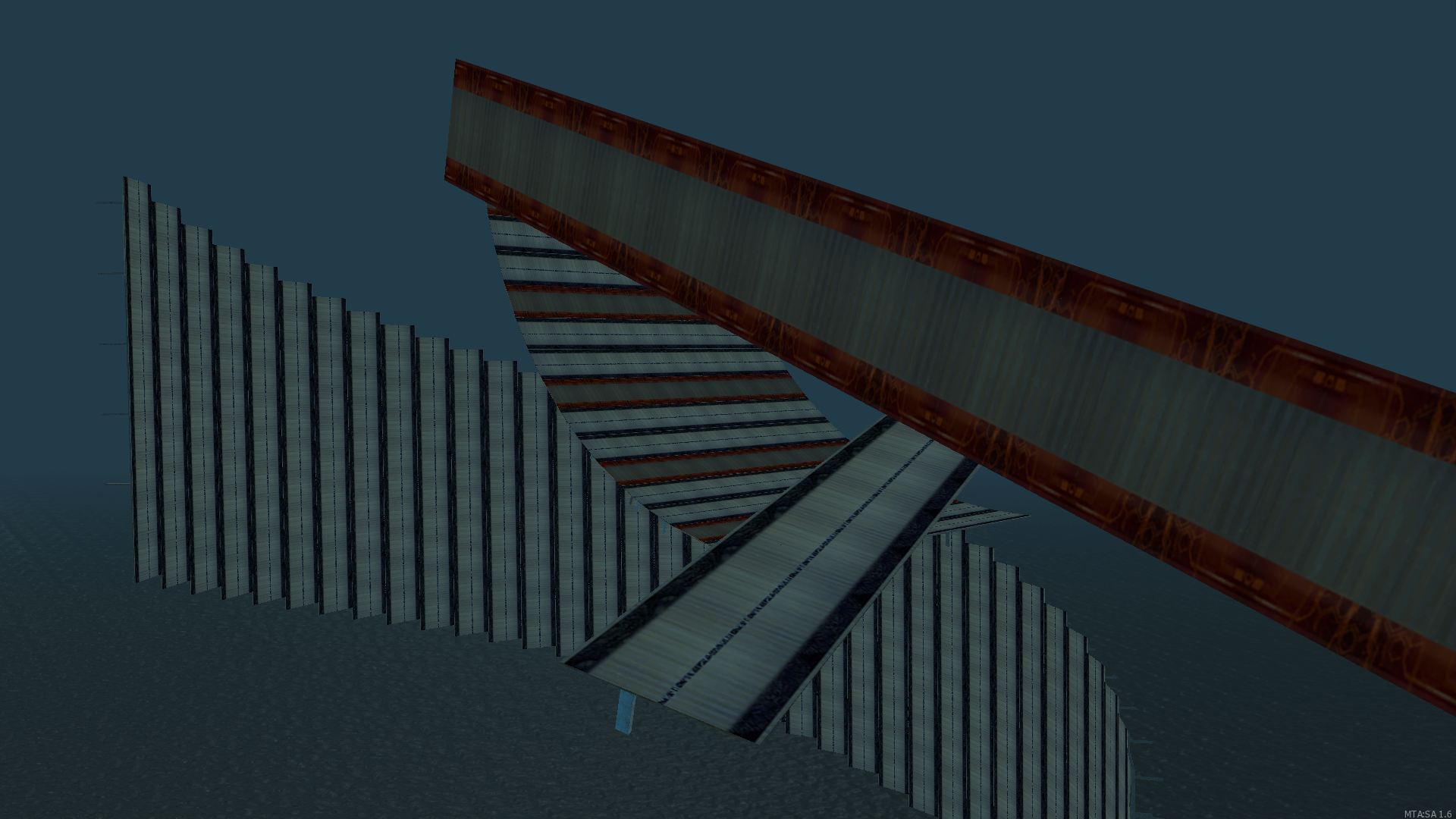
Academic tactics
(Nebla - Akademiya)
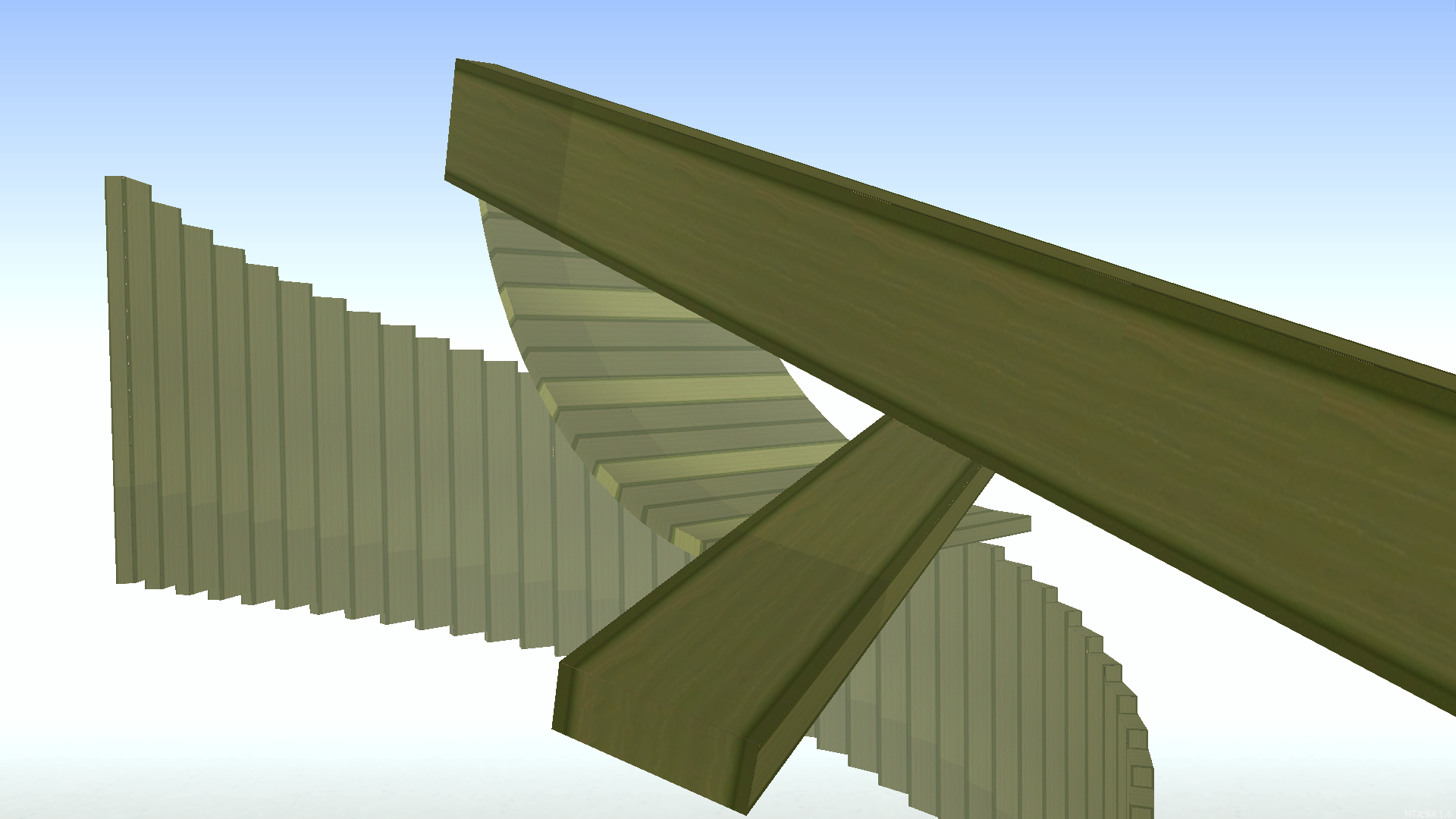
Iram's Past
(Nebla - Iram of The Pillars)
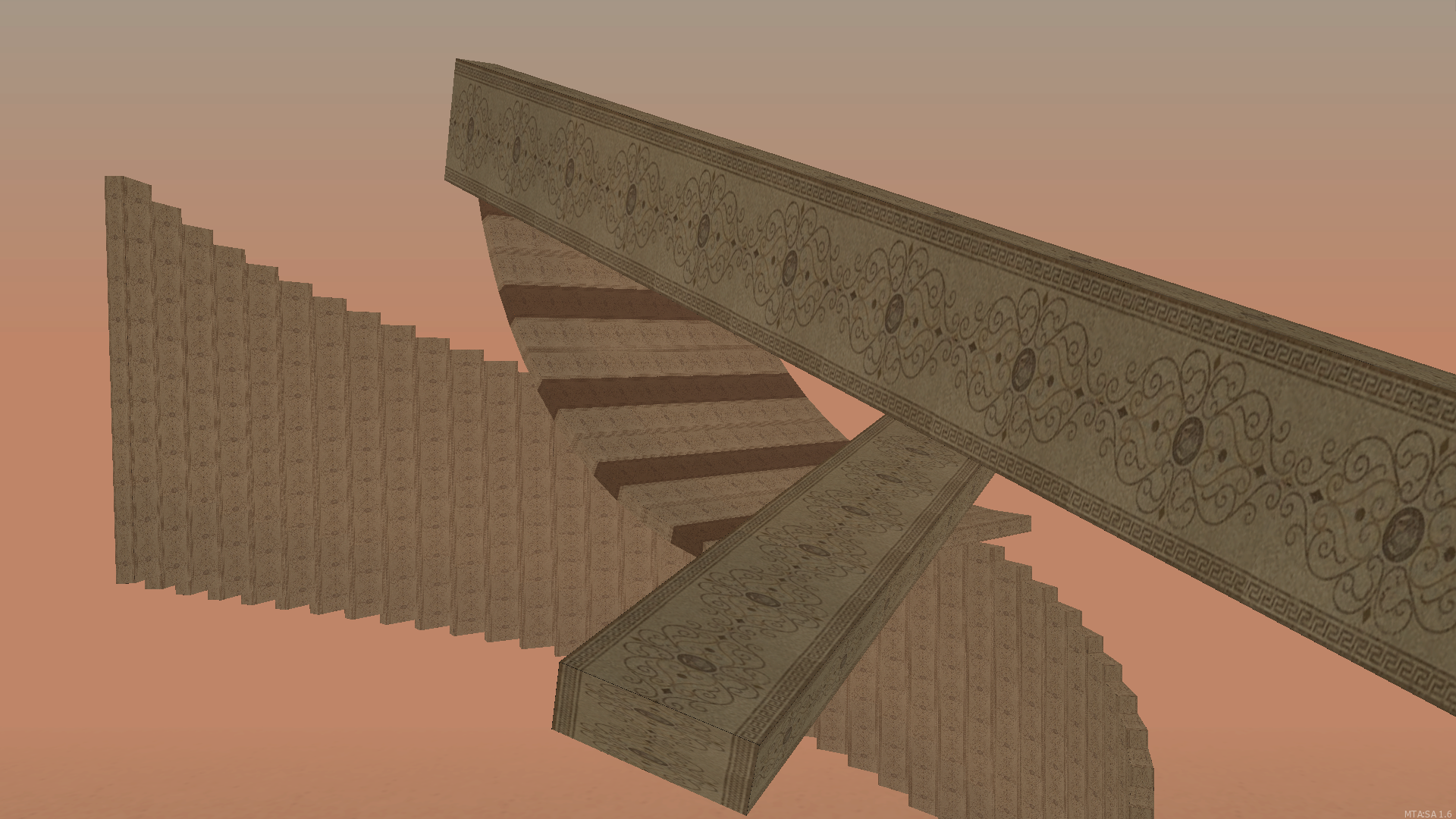
Fresh Pool
(Nebla ft. ZeRoXy - Revolt: Pool Days)
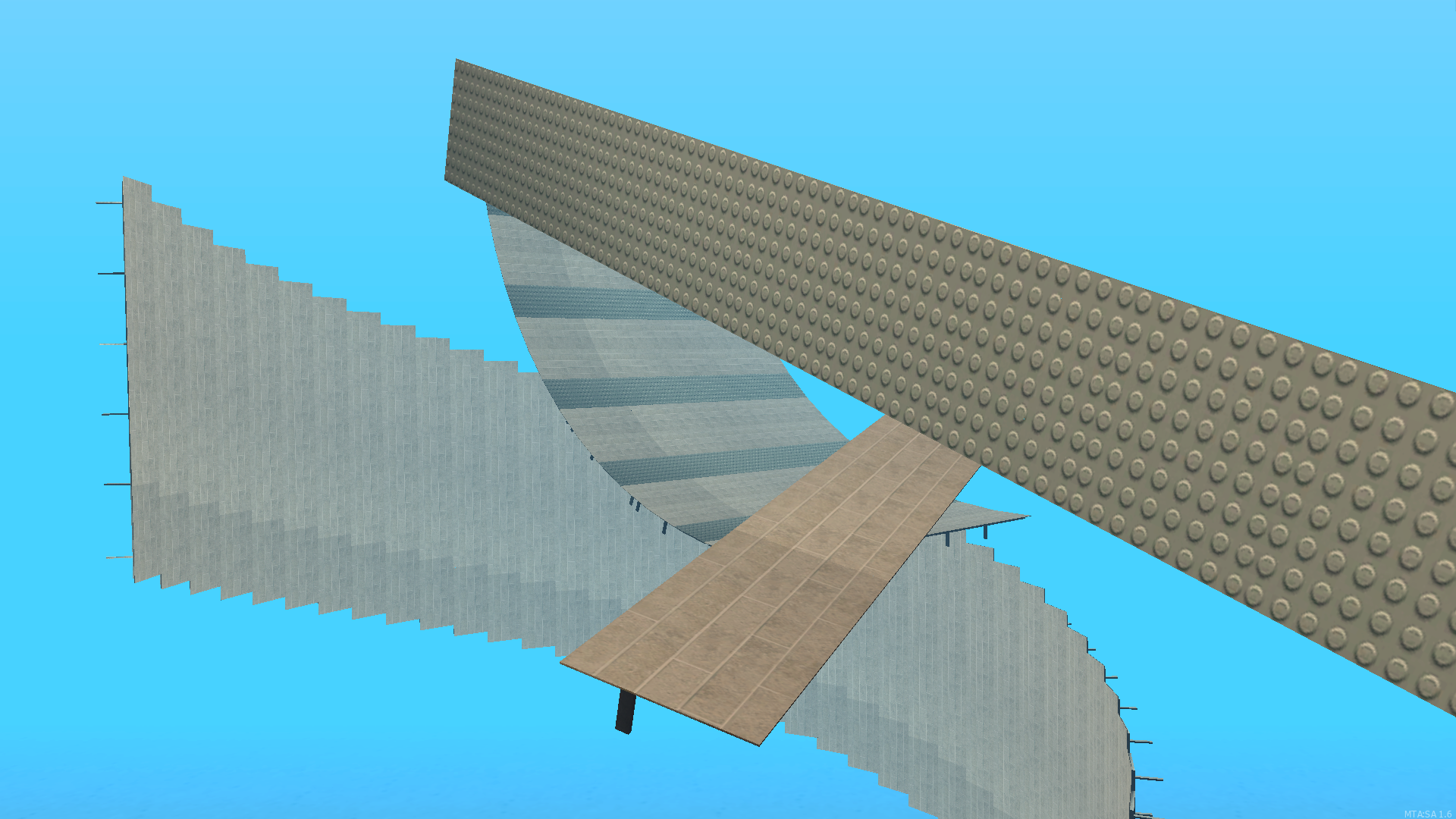
Virtualist
(Nebla ft. DiatroN - VirtuaL)
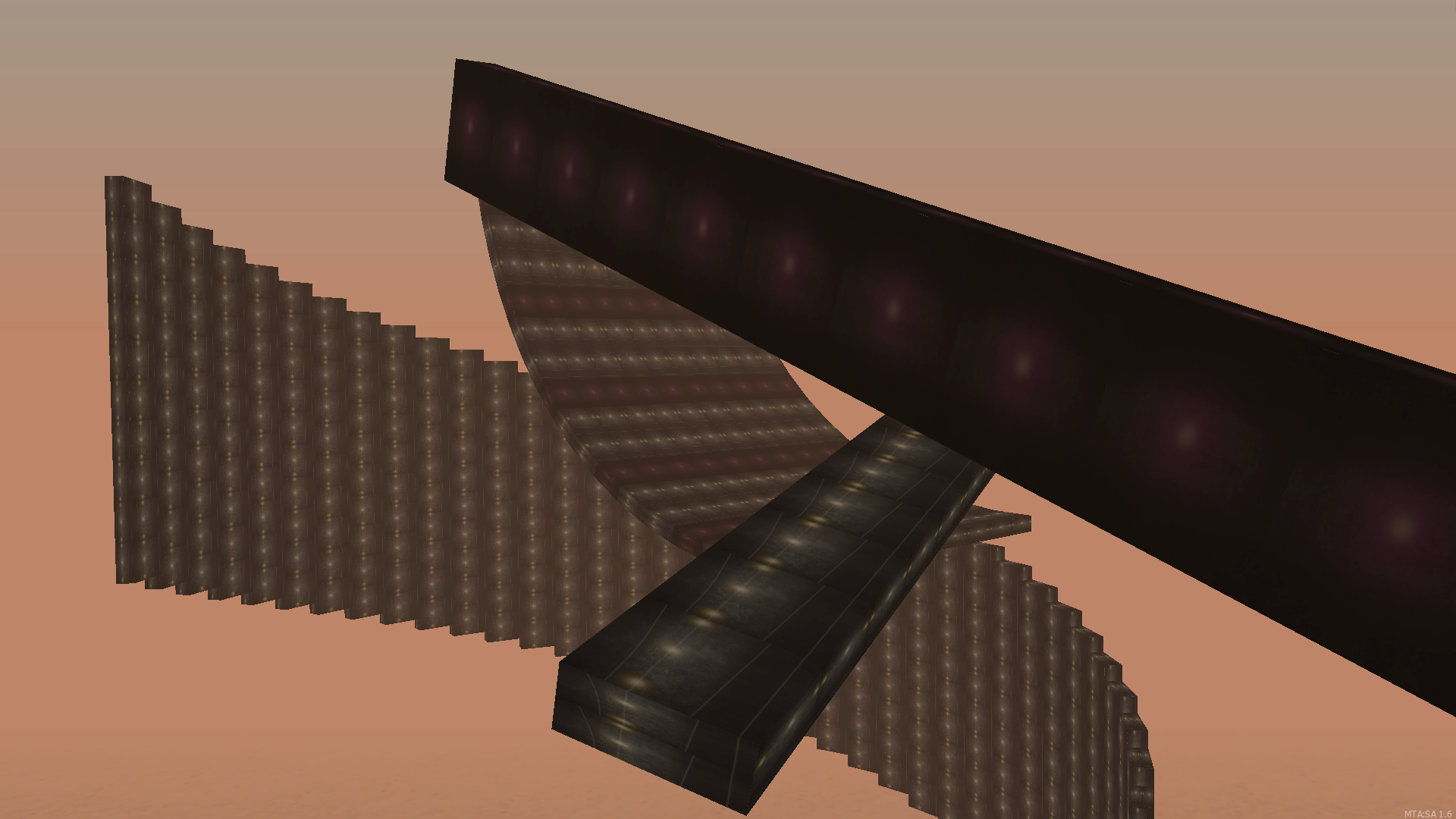
Installation (For Testing & Preview)
- Download any texture file(s) you liked
- Extract zip files and put them into server/mods/deathmatch/resources
- Get in game and type /refresh & then type /start [Texture file name] For example, /start EternalLightning
Installation for engaging the texture with your map
- Copy all the files in the file except meta.xml and then put them into your map file
- open the meta.xml in the texture file and copy the codes
- paste them into your map's meta.xml
without lines below
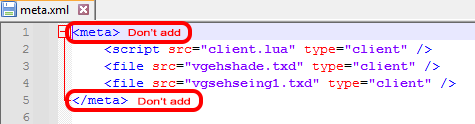
If the texture file has extra brown.dff & grey.dff put the code below into your map's meta.xml
<script src="client.lua" type="client" />
<file src="grey.dff" type="client" />
<file src="brown.dff" type="client" />
<file src="vgehshade.txd" type="client" />
<file src="vgsehseing1.txd" type="client" />
If there aren't extra grey.dff & brown.dff files, simply remove them in meta.xml code like as below
<script src="client.lua" type="client" />
<file src="vgehshade.txd" type="client" />
<file src="vgsehseing1.txd" type="client" />
In some files, there may only be 'vgsehseing1.txd.' So, you need to remove 'vgehshade.txd' from the meta.xml because that file does not exist. Be cautious with this part; if you test your map with a defined texture that is not present in the map, it may don't start your map.
If that happens, simply don't panic. And read below
Solution: go to server/mods/deathmatch/resources and delete everything in editor_dump & editor_test files.
Then get in game and type
/restart editor_main
/restart editor_gui
/restart editor_dump
And done, you can play your map now.
Don't worry, your map is not gone; it's actually bugged due to including a texture in the meta.xml file as if it exists in the map, even though it does not exist in the actual files.
Your sincerely,
Nebla
